

Description
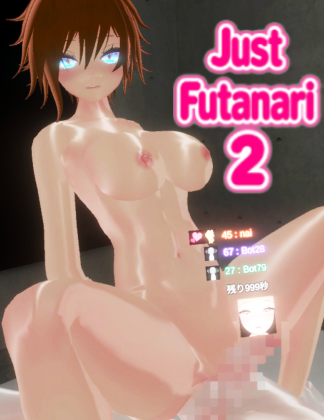
Just Futanari 2 Description:
Let’s play H together as futanari in this VR-only online adult game!
You can engage in a casual and anonymous naughty experience.
Anyone can begin with ease. There are no online usage fees.
How to participate
For users of PCs
Launch the “JustFutanari2.exe” that comes with the package.
If you bought the MetaQuest bundle,
Use SideQuest or other tools to install the “JustFutanari2.apk” that comes with your Quest.
In Quest, the game is called JustFutanari2.
■ H Scene
Unrestricted play style
At the start of the game, set up your play area.
Without the use of an analog stick, the game is meant to be played by the player’s own movements. But you can also use the analog stick to play with movement.
The system’s “Position Adjustment” mini-menu allows you to move at any time.
Make your character unique.
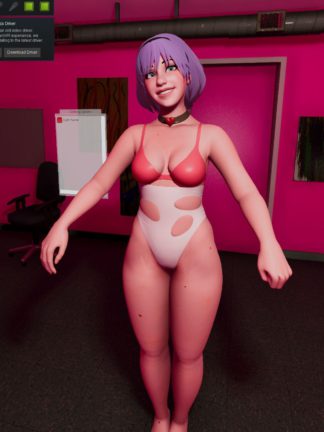
Your attire, hairstyle, skin tone, eye color, and hair color are all customizable.
Launching the game
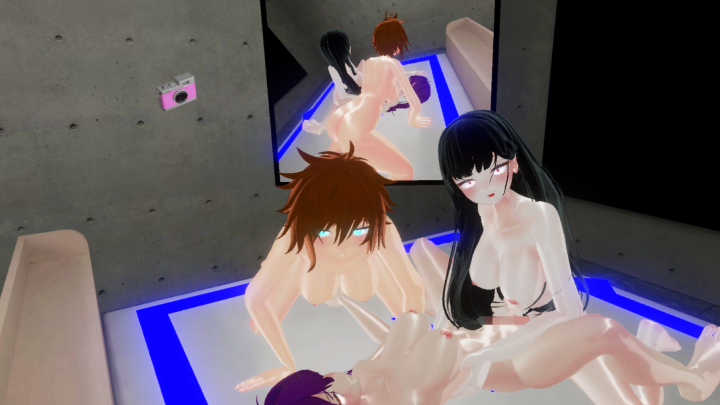
When you first start the game, you can choose between a free mode where you can move around freely or an H-scene with three characters.
A vote is used to decide which will be played. Any character that is not under the player’s control will be moved automatically by the CPU.
The character and the player’s head are connected when the player’s head and the controlled character’s head line up, and the character moves in accordance with the
motion. The connection is broken if the player’s head shifts away from the character’s head.
The player can observe the play from a third-person viewpoint in this state.
The character reacts to the player’s hand and head movements during H-scenes. The other player on the network may be sexually stimulated by this movement. The reason for this is that the other player’s electric toy or VR controller reacts to their movements.
(Intiface Central needs to be set up and operational.)
Choose a line from the list of options to speak with the other person.
As long as the language is supported, it will be converted and shown, regardless of language.
Measure of Pleasure
The pleasure meter increases as you hold the grip and trigger keys, and you will reach climax when it reaches 100.
Your climax is reached when the meter hits 100, and your online partner can see the meter as well.
The function of kissing
You can move your tongue in and out with a single button.
The position of the character’s tongue is connected to your tongue, which is visible on the screen.
■ Mode of Free Play
If you’re sick of H scenes, you can switch to a mode where you can move around freely.
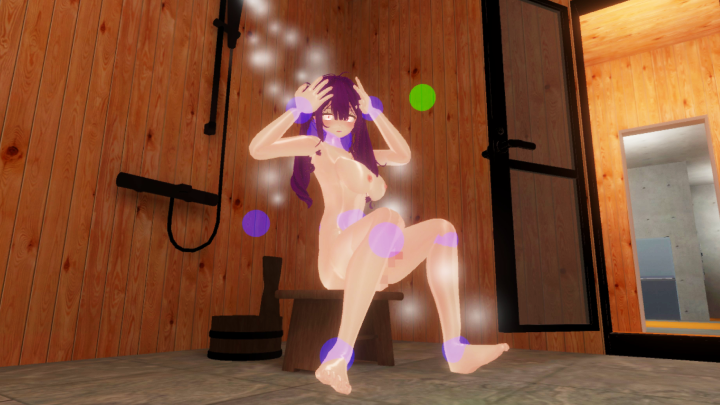
Additionally, the hotel has an anti-open-air bathroom.
An icon will show up on the screen when you press and hold the Grip key.
To switch and move around the play area, select it.
Character controls can be switched between two different types during free play.
One is virtual reality control, where the character can move around and is connected to the player’s position.
The other is puppet control, where the player manipulates the character by gripping its joints, enabling it to adopt any position.
By lining up the player’s head with the character’s head during puppet control, the player’s head can be connected to the character’s head and hands.
■ Offline Play
You can play the game offline as well.
The CPU is in charge of the characters other than you.
You can play in the position of your choice.
■ Operation
- A mini-menu
Any of the ABXY buttons will display
Lines and other actions are accessible here. - The system menu
is shown by holding down any of the ABXY buttons for a long time.
The majority of the items you can access are system-related. - The shortcut menu
Without a menu open
The analog stick should be tilted. You can move the stick in and out and access a few lines. - The operation of position adjustment
From the mini menu, choose Position Adjustment. You have unrestricted movement. Use the analog stick to move.
Use the analog stick to move while holding down the trigger.
You can move up and down and turn. - Shortcuts to the mini menu
Using just one button to access a preferred mini menu
To access the desired mini menu, press and hold any of the ABXY buttons.
The ABXY button you click links to the page. When the Mini-Menu is open, hold down the corresponding menu button to cancel.
MetaQuest3 (Oculus Link) was used in the development and testing of this software.
Other VR devices may operate differently.
■ Operating Environment
MetaQuest2(OculusLink,VirtualDesktop)
MetaQuest3(OculusLink,VirtualDesktop)
■ Operating environment(MetaQuest package version)
MetaQuest2(stand-alone)
MetaQuest3(stand-alone)
■ Supported languages
Japanese
English
Chinese
Korean
Spanish



Reviews
There are no reviews yet.