


Description
Dare to Lust VR Description:
Dare to Lust VR
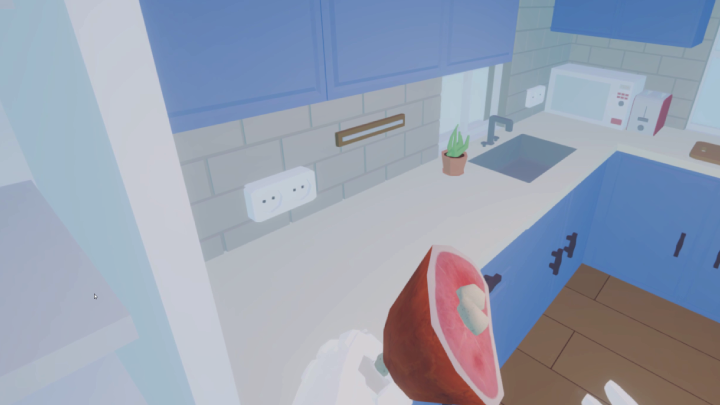
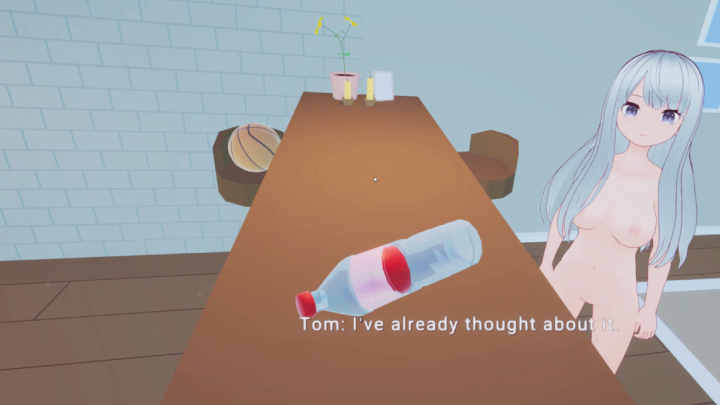
The immersive virtual reality game Dare to Lust VR offers a special fusion of interactive gameplay and rich narrative. Put yourself in the position of Tom, a conscientious college student who arrives at the door of his mysterious crush, Aria, to ask for assistance with an assignment. He has no idea that this encounter will lead to an evening full of unexpected sex and lust.
Gameplay
Dare to Lust VR pushes you to go beyond traditional gaming by utilizing VR’s immersive features to boost emotional involvement. Push-ups, net basketballs, and more delicate acts of affection like kissing Aria’s feet, massaging her, or sucking her pussy are examples of dares that range from lighthearted to intimate.
Synopsis
You are Tom in Dare to Lust VR, experiencing firsthand the subtleties of developing romance and sincere connection rather than merely being a spectator. Aria is not your average college friend because of her alluring charm and unwavering dedication to her studies. She is a character full of complexity, aspirations, and a covert desire for company.
A harmless game of truth or dare turns into a crucial moment in their relationship as the evening goes on. Discover Aria’s goals, anxieties, and romantic desires through meaningful conversations. You are invited to delve deeper into her world with every question and dare.
Meta Quest Standalone Installation
The game must be sideloaded onto your device. There are many guides available for doing that. This is one: https://zybervr.com/blogs/news/how-to-sideload-content-on-meta-quest-2-using-sid…
PCVR Installation
If utilizing Meta or Oculus [Suggested]
Select the OpenXR Runtime by default for the Oculus app. Open the Oculus software on your computer and
Go to Settings -> General -> OpenXR Runtime -> Activate Oculus
If not, SteamVR [Not Recommended]
Make SteamVR the OpenXR runtime of choice and activate Meta Plugin Compatibility.



Reviews
There are no reviews yet.